
Searching Cleveland County Cases by Name
The statewide eCourts Portal is the public starting point. Choose Smart Search there. Enter a party or business name only when no case number is handy. Be aware that a wide name search can pull in cases from several counties, so filter the results to Cleveland County, case type, case status, and a filing-date range. Before opening any Case Summary, read the county and case number on the result line to make sure the file belongs where you expect.
- Open eCourts Portal and choose Smart Search.
- Enter the available party or business name as precisely as possible.
- Open Advanced Filtering Options and choose Cleveland County, then add a case-type, status, or filing-date filter when it helps.
- Select Search, compare the returned county and case number, and open the matching Case Summary.
Portal guidance allows a wildcard after at least three characters of a last name plus one first-name character. That helps with odd spellings. Even so, a tight Cleveland filter usually beats a sprawling statewide result set.
| Field or control | Type | Required | Cleveland use |
|---|---|---|---|
| Party name | Text search | No | Use when a case number is unavailable. |
| Business name | Text search | No | Use the published business-name mode for a known organization. |
| Location/county | Advanced filter | No | Select Cleveland County to narrow statewide matches. |
| Case type, status, filing-date range | Advanced filters | No | Use only the filters published in Portal training. |
The two routes work together. Portal is where you first locate a visible Cleveland County case and read its public Case Summary. For an official record, a public terminal search, or anything that depends on the local file, the clerk is the next stop. Neither route opens a restricted case to the public.
Cleveland County Case Search Tools
Smart Search is not the Portal's only public function. Search Hearings exists for court-date questions. It takes a case number, party or business name, attorney name or bar number, judicial officer, or courtroom. NC Judgment Search starts from a party name or case number. It then narrows by case type, status, location, or judgment date. Each tool answers a different question. A hearing search or judgment index is not a full file search. Do not treat it as one.
Portal training and resources lay out the public search functions and the Case Summary materials. A familiar name can show up in more than one county. Check any Cleveland County result against the displayed division and case status.
Note: Search Hearings results can be sorted with the header controls. Published guidance says no virtual-hearing indicator appears there.
Official Portal training material documents the statewide search environment that covers Cleveland County cases.
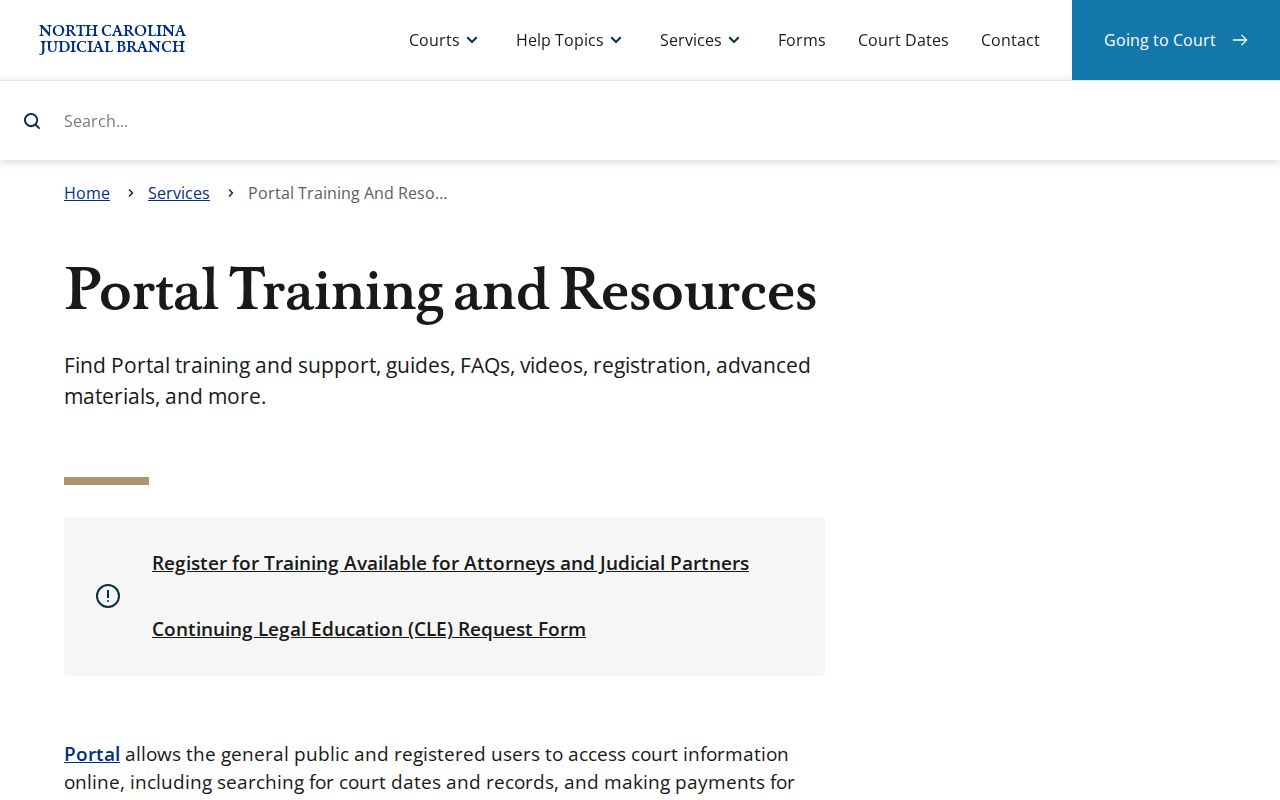
Training supports a careful search process. The Cleveland Clerk of Superior Court still holds the underlying court record locally.
Searching Cleveland County Cases by Number
A complete case number is the most direct search key for Cleveland County. According to the Portal FAQ, the format carries a two-digit year, case-type letters, a six-digit sequence, and a three-digit county identifier. Cleveland calendar documents use the suffix -220. One reading aid is the pattern YY-CASE-TYPE-######-220. Historic or current files may not use identical characters.
Try the number in Smart Search before falling back on a name. If a copied number returns no match, check the year, case-type letters, sequence, county suffix, and any date range. Check them against the citation, notice, calendar, or order. A near-match can still point at a different case or a different county.
Cleveland County Case Number Pattern
The case number ties the Portal's statewide system to the local record. The year and case-type letters identify the record class. The sequence separates one matter from the rest. And 220 is the Cleveland county identifier seen on calendar material. When you request a copy, keep that full number with the request; it gives the clerk a far better starting point than a general description of the dispute.
- Case Summary
- The Portal’s organized view of available case information, events, hearings, and dispositions.
- Case Event
- A recorded procedural occurrence, such as a filing, hearing, or court action.
- Register of Actions
- A common name for a chronological case record; Portal Case Events performs much of that role.
What a Cleveland County Case Search Returns
Open a matching result and the Case Summary may organize Case Information, Assignment Information, Party Information, Causes of Action, Case Events, Dispositions, Hearings, and Financial Information. Exactly what appears depends on the case and public-access rules. A visible event helps you follow the procedural record. Still, it is not automatically the text of the related filing, nor an authenticated copy.
| Case Information | Basic identifiers and available status information for the case. |
|---|---|
| Assignment Information | Assigned court or related assignment data when shown. |
| Case Events | Visible filings, hearings, orders, and other docketed activity. |
| Dispositions | Recorded case or charge resolution information where available. |
| Hearings | Scheduled hearing information, which should be confirmed if time-sensitive. |
A document link, when one appears, does not mean every original filing is online. The official file and any certified copy stay with the Cleveland Clerk of Superior Court.
Cleveland County Case Summary Fields
Cleveland County uses an eCourts Case Summary. It has no county-built docket database of its own. The summary earns its keep by placing identity details, events, settings, and public financial information in one place when those fields exist. It also shows why a calendar alone cannot answer every search question. A calendar is just a schedule; Case Events are the continuing procedural record.
For a court date, use Search Hearings or the Judicial Branch calendar once the case is located. For the official paper or electronic record behind an event, contact the clerk. Keep those routes separate. That habit helps you avoid mistaking a date listing for a final court result.
Statewide vs Cleveland County Case Search
Cleveland County cases surface in two layers. The eCourts Portal is the statewide public view, and it covers this county along with the rest of the state. There is no separate Cleveland-only public docket database. What the county itself holds sits with the Clerk of Superior Court: the official record, a public terminal, and the case files. So work in that order. Find the case through the Portal first. When the online record looks thin, a copy is needed, or a result needs confirming, take the clerk route instead.
| Route | Best use | Boundary |
|---|---|---|
| eCourts Portal | Locate public Cleveland case information, hearings, judgments, and eligible payments. | It is not the clerk’s complete certified file. |
| Cleveland clerk terminal or file | Inspect available local court records or request copies. | Public access remains subject to legal restrictions. |
| NC Judgment Search | Find public judgment-oriented index information. | It is not a complete case-file history. |
Cleveland County Hearing Search
Chasing a court date? Start with Search Hearings. That works best when a case number, courtroom, attorney, judicial officer, party, or business name is already known. Two calendars publish schedule documents by court and start date. One is the Cleveland criminal calendar; the other is the matching civil calendar. Line up the courtroom, session date, and case number across both the result and the calendar. Only then trust either one.
Settings move. A continuance, a reset, or a later order can shift a hearing after the calendar was prepared. The date matters for attendance or a filing deadline. If so, confirm it through the clerk or the District 39 calendar-coordination route rather than an older calendar file.
One more distinction matters. eCourts File & Serve is the state's electronic filing service. It is separate from public Portal searching. The official filing page shows the service's own screens and requirements.
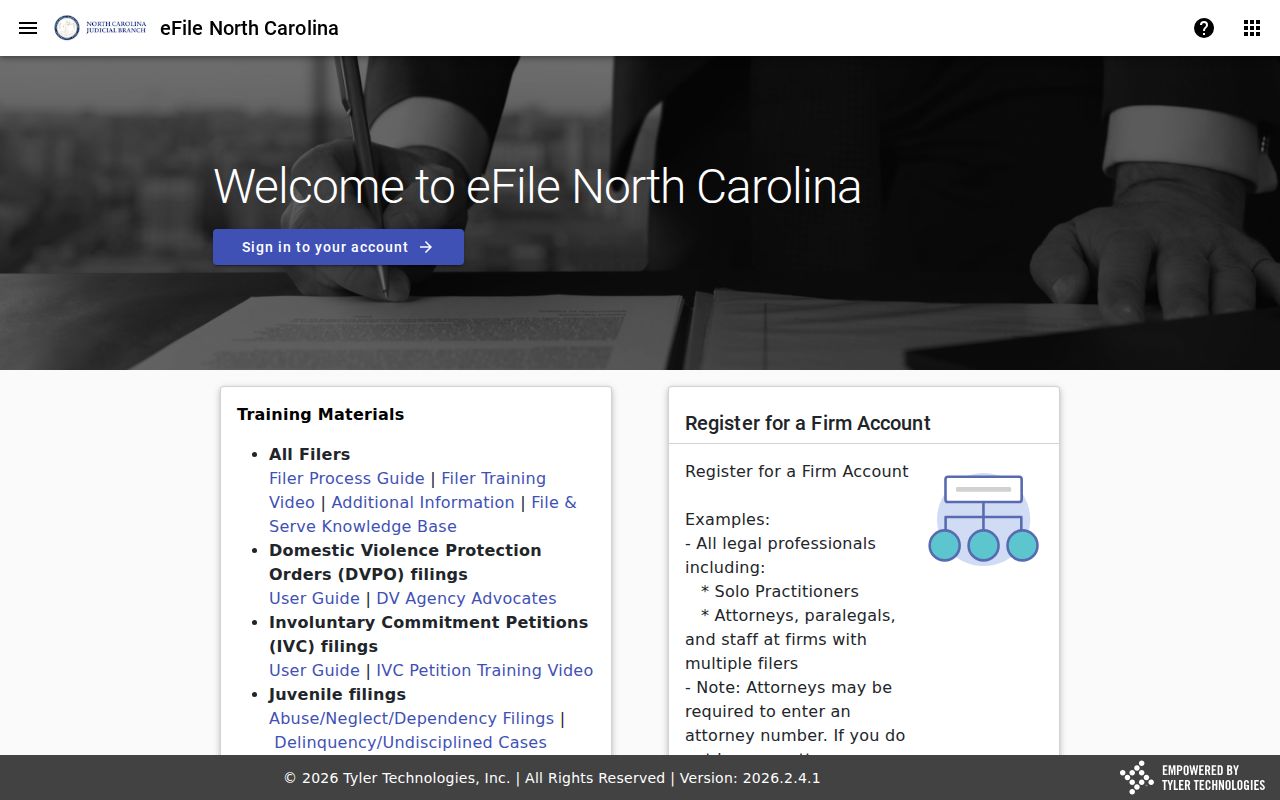
A filing-service screen says nothing about public visibility in a Case Summary. Portal access limits still control. Clerk custody does too.
Cleveland County Restricted Case Access
The clerk's duty to keep records, files, dockets, and indexes comes from G.S. 7A-109, and any restriction imposed by law or rule still applies. The Portal does not erase those limits. Its own FAQ states that sealed and confidential records stay closed to Portal users.
Juvenile matters fall under G.S. 7B-3000 and are confidential. Unreturned warrants, protected-order information, and records requiring authorized-user access may also be limited. A blank field, a missing result, or an unavailable document does not prove a record does not exist. It is also never a reason to try to bypass a restriction.
Sealing, confidentiality, and expunction are three different things. A sealed record is governed by an order or rule. A confidential category is nonpublic by law. An expunction runs through a specific statutory process; G.S. 15A-145.4 is one example. That example is not a promise that any case can be wiped from view.
When Cleveland County Searches Fail
A failed Cleveland County case search usually has a plain cause. Maybe a typo, an incomplete number, the wrong county, or a date range set too narrow. Party names entered in a different format cause misses too. Older records not yet online, or a protected category, can do the same. Recheck the identifier and the Portal filters first. Then turn to the Cleveland Clerk of Superior Court's public-terminal or contact route for the public portion of a local record.
Useful next step: The Cleveland Clerk of Superior Court keeps the official local trial-court file. Ask for the public record by case number, document type, and date when known, rather than requesting a broad compilation that may not exist.
Need a human? The Cleveland Clerk of Superior Court sits at 100 Justice Place, Shelby, NC 28150. The telephone number is 704-476-7800. Visit or call when you need a public terminal, an available local file, a copy, or a current setting confirmation. Bring the case number and the exact record or hearing question so the clerk can point to the right public route.
Registration is not required for ordinary public Portal searches. It can support a My Cases feature. It does not grant extra public access. It will not open sealed or confidential records.