
The Cleveland County Court Calendar
Cleveland County settings reach the public through the Judicial Branch's statewide court calendars service. The result pages offer calendar files you can download, grouped by court and start date. Some cover civil settings. District Court and Superior Court both show up there. Criminal files work the same way, posted as dates become available. A calendar is not a case record. It lists matters expected to be called, nothing more. It cannot trace the full run of filings and events. It cannot prove a hearing happened or stand in for a later order. Treat it as a pointer: find the setting first. Then use the Portal or the clerk to pull the case information behind it.
Cleveland County Calendar Selector
Two choices drive the calendar selector: County and Calendar Type. Pick Cleveland first, then Civil or Criminal, and submit. What comes back is a list of current public calendar documents. Open the one whose court heading and start date match the setting you expect. Then search inside it by case number instead of trusting a name alone.
The selector covers every county in the state, so choosing Cleveland matters. The calendar site itself warns that some counties post nothing or update slowly. It also notes that local rules govern what the clerk's office keeps. A missing or stale file points to a clerk confirmation. It does not mean no setting exists.
The official calendar selector page displays those choices.
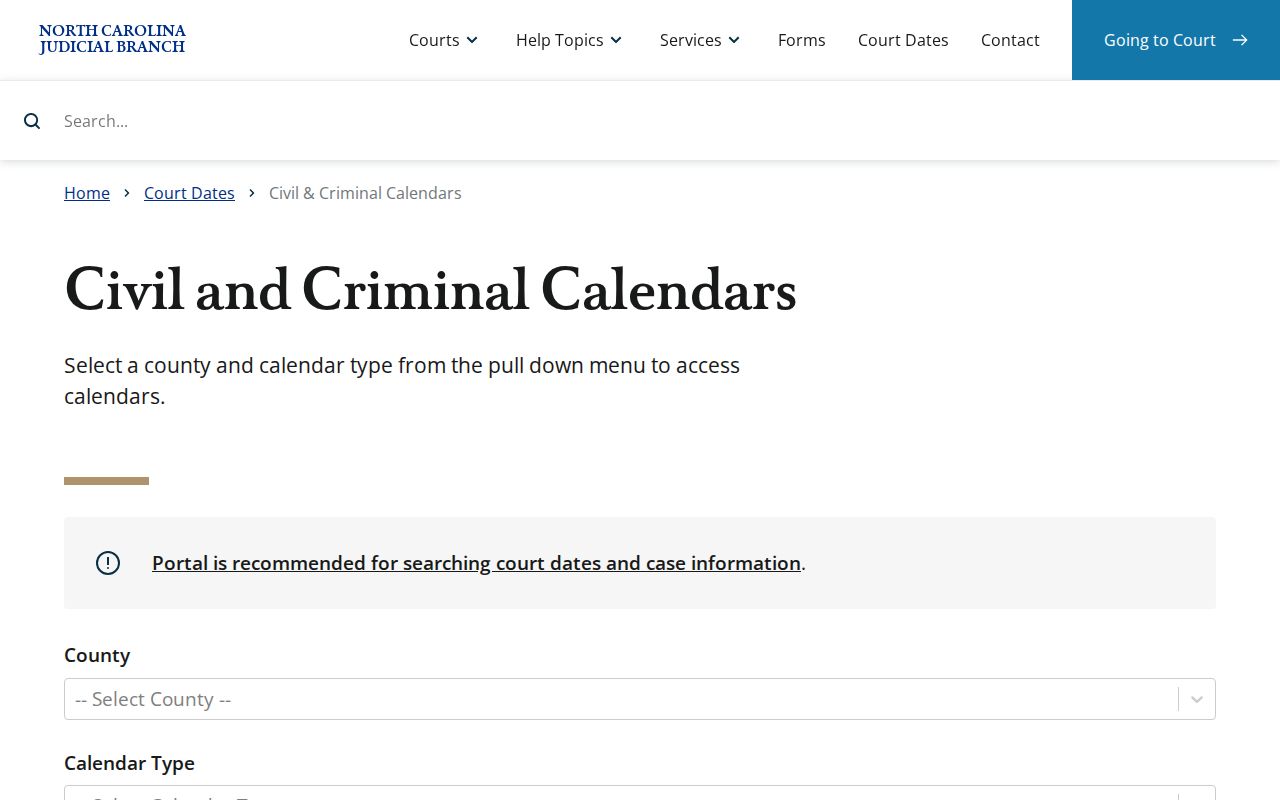
The selector simply starts the search. County-specific results and clerk confirmation supply the detail a current setting demands.
How to Find Your Court Date
Use every Cleveland County channel when a court date counts. Pull the case number and court division first. A citation, notice, order, or public Case Summary will carry them. The online calendar gives you the published schedule. Portal Search Hearings covers the statewide hearing-search angle. The Cleveland Clerk of Superior Court confirms local details by phone or at the counter. The current calendar file serves as the daily published document when one is posted.
Calendar information goes stale fast. If the setting is near, has been continued, affects travel, or demands a filing, let the clerk or a current court instruction settle it. District 39 calendar coordinators handle scheduling functions. Yet the Clerk of Superior Court remains the local record keeper.
- Read the citation, notice, order, or Case Summary for the case number and court division.
- Open the calendar selector and choose Cleveland plus Civil or Criminal.
- Download the current matching calendar file and search it for the case number.
- Check the court heading, session date and time, courtroom, and event or charge field.
- Use Portal Search Hearings and the clerk by phone or at the counter to confirm a close-in or changed setting.
The Cleveland calendar can name a scheduled session. Still, the clerk or a current court instruction should confirm any time-sensitive change.
Cleveland County Hearing Search
Portal's Search Hearings feature works alongside the calendar files rather than replacing them. Published search criteria include case number, party name, business name, attorney name, attorney bar number, judicial officer, and courtroom. That helps most when you know a courtroom or an attorney. It also helps when you lack the newest calendar file. Header controls, as described in Portal guidance, let you sort the results.
Treat hearing results as a lead, not a verdict. The Portal FAQ notes that a virtual-hearing indicator never appears in the results. Any date can also change through court action. Once the search surfaces a case, the Cleveland County case search route helps you reach the visible Case Summary and Case Events.
| Search route | Best use | Boundary |
|---|---|---|
| Calendar file | Public court session and scheduled event. | May change after publication. |
| Search Hearings | Find by case, party, attorney, officer, or courtroom. | Does not display virtual status. |
| Case Summary | Visible case history and hearing information. | Not a certified full file. |
| Cleveland clerk | Current local confirmation and record access. | Cannot give legal advice. |
Reading a Court Setting
Read a Cleveland calendar line as a set of fields, never as one lone date. The court heading names the division or session. Date and time fix the scheduled session. The courtroom places it, and the case number ties the line to the case. Civil files add an event label; criminal files carry a CHARGE column. Portal Search Hearings may also show a judicial officer when one is available.
A setting is a scheduled event, not a ruling. An event's name, a listed charge, or a courtroom assignment proves nothing about what happened in court. Check the calendar's version date. Then rely on Portal or the clerk for a changed setting or a public record of the court's later action.
| Date | Scheduled calendar date for the session or event. |
|---|---|
| Time | Published session date and time, subject to later court action. |
| Courtroom | Designated Cleveland County Courthouse courtroom shown on the file. |
| Judicial officer | Officer shown in Portal hearing results when that information is available. |
| Setting type | Civil event label or criminal CHARGE field describing the scheduled matter. |
Cleveland County Civil Calendar Codes
Cleveland County civil calendars use short local codes for each setting. A few appear over and over. JT means Jury Trial, BT means Bench Trial, and OTHRH marks an Other Hearing. You may also see JDRV for Judicial Review, STAT for Status Review, MHDJ for Motion Hearing-Default Judgment, MHD for Motion Hearing-Dismiss, MTN for Motion Hearing, and MHC for Motion Hearing-Compel.
Each code tells you what the court plans to take up, nothing more. A JT entry is a jury-trial setting on the calendar, not a verdict. Likewise, STAT is a status-review setting rather than an outcome. Motion labels carry no papers and no ruling. To see what actually happened after any setting, pull the case number, the Case Summary, and the clerk file.
The official Cleveland civil calendar page shows the county's current civil schedule. The schedule comes from the state court system.
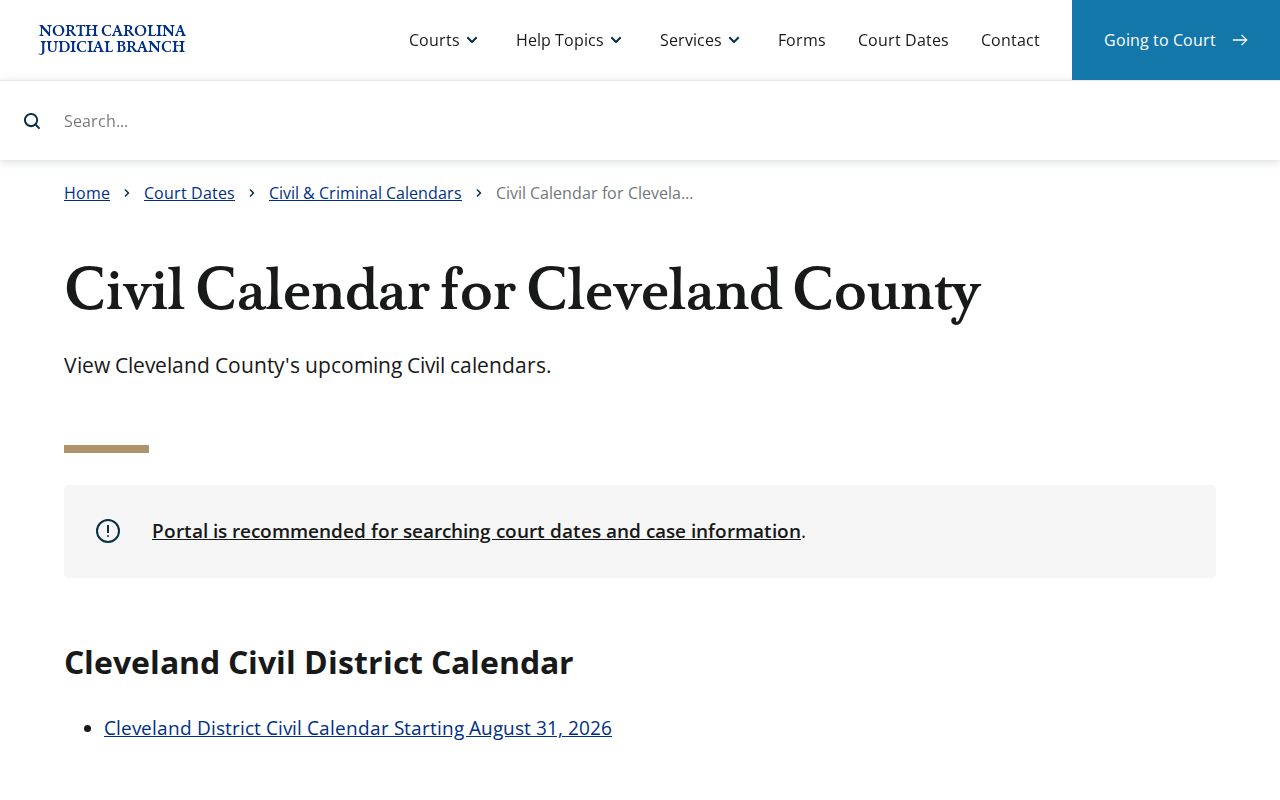
Any file named in a civil calendar result should be checked for its current version before you rely on a setting. Codes describe scheduled court work only. Confirm their meaning through the listed case record and the most recent setting information.
Cleveland County Criminal Calendar Fields
A Cleveland County criminal calendar file is organized around a handful of practical fields. Expect a court heading, the session date and time, and a courtroom at the courthouse. Each row then carries a case number. Columns follow for the role or agency and attorney. A CHARGE code or label rounds out the row. Those fields are enough to confirm when a criminal case is set to be heard. The calendar supports a court-date inquiry without reprinting the whole criminal Case Summary history.
Read the CHARGE field with care. It names a scheduled matter, not a final outcome. It is not a judgment, a disposition, or a certified charge document. Compare the calendar date and courtroom against Portal hearing information. Call the clerk when a setting is close. Call as well if a change would affect an appearance you must make.
The official Cleveland criminal calendar page holds the current criminal schedule. It comes from the state court system.
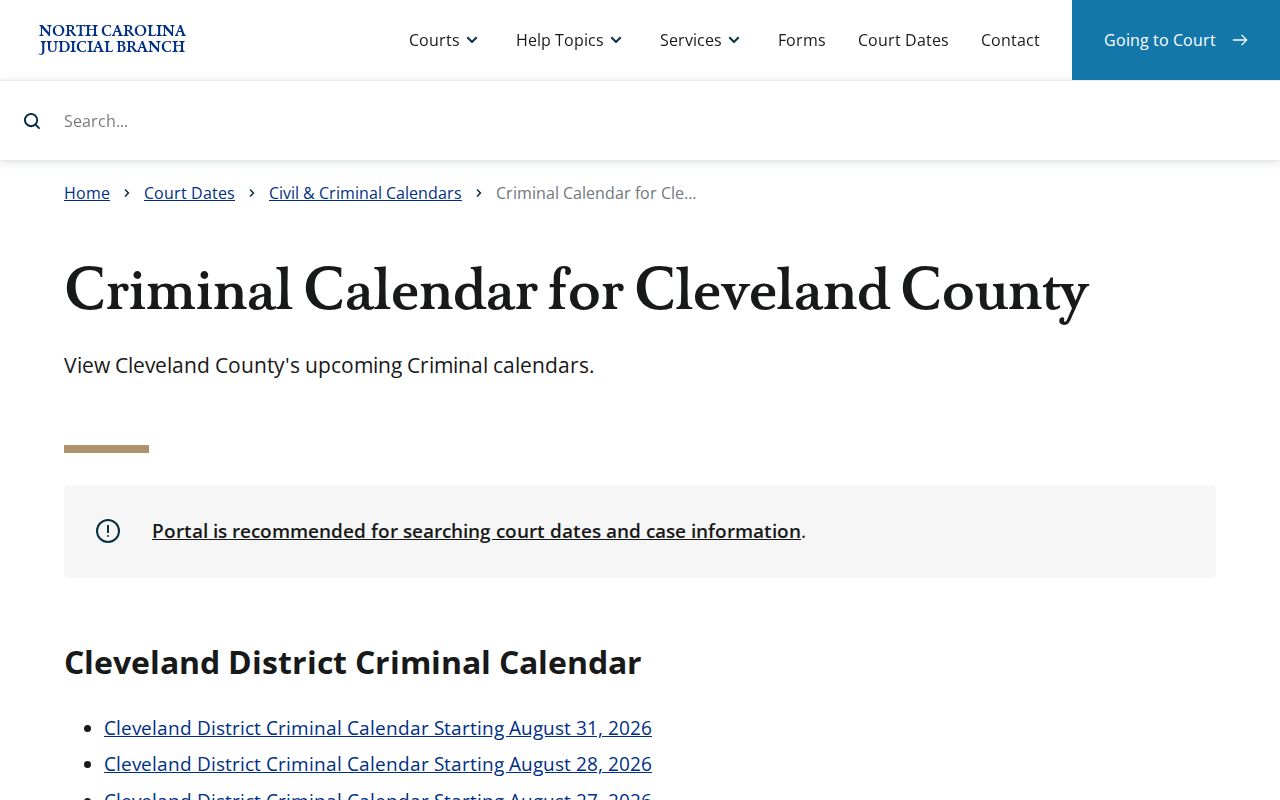
The criminal calendar shows what the court expects to hear. Case Events and the clerk file record what happened afterward, so use them for any later procedural activity.
Resets, Continuances, and Cancellations
A posted Cleveland setting can move without warning. It may be continued, reset, or changed by a later court order. An empty calendar is not a final answer either. The calendar service itself warns that counties may not post or update every calendar. A matter is scheduled on the posted version. That is not a promise it will be heard that day.
State traffic guidance adds a related caution. A judge may agree to continue a case, but there is no guarantee. Prepare for the original date unless the court changes it. That warning travels well across Cleveland calendar work. A request to change a setting is not proof the setting changed.
Check the current order first. Then check the Portal hearing record, a calendar update, or clerk confirmation before assuming anything.
Note: Treat the original Cleveland setting as active until shown otherwise. An official court action, an updated calendar, a Portal hearing record, or clerk confirmation can show it.
Cleveland County Calendar Confirmation
A calendar result can be unclear. A setting may be imminent, or you may need an official record. In those situations, the Cleveland Clerk of Superior Court is the place to turn. The clerk's office sits at 100 Justice Place in Shelby. The main public number is 704-476-7800. State court-record guidance also lists public terminals. Clerk-held files are another route to case information and copies.
Have your details ready before you call or visit. Bring the case number, the court division, and the date or event in question. The clerk can point you to the right public record channel. Staff there know the current local process. One limit applies, though. Court staff cannot give legal advice. A question about a date should never become a prediction about how the case ends.
Cleveland County Courthouse
100 Justice Place
Shelby, NC 28150
704-476-7800
Cleveland County District 39 Settings
Cleveland and Lincoln counties share District 39 for local court administration. The district's Trial Court Administrator office coordinates calendars. That work includes Superior civil trial settings and motion calendaring. Scheduling questions can involve a district coordinator as well as the county's own calendar files.
Coordination is not custody, though. The Cleveland Clerk of Superior Court keeps the county trial-court file. That office remains the source for copies, certifications, and case-record questions. The current local rules, effective March 24, 2026, also send users to Portal Case Events for active rules, forms, policies, and orders. Older local documents should not be relied on instead.
What To Do If You Miss a Setting
Missing a Cleveland setting calls for quick, case-specific action. Start with the notice, the citation, the calendar, and Portal hearing information. Then contact the Cleveland clerk or follow whatever instruction the court gave you. State guidance is blunt about traffic cases: a missed appearance can mean the case is called and failed and may trigger a Failure to Appear process, depending on the circumstances. Other case types carry different consequences.
Never assume the setting was rescheduled automatically. A continuance request is not the same as a continuance granted. If a lawyer is on the case, take that lawyer's direction too. The next step is controlled by the current court order, clerk information, and official calendar status, not by a copied calendar entry or a verbal guess.
Missed a setting? Contact the Cleveland clerk or follow the court’s current instruction promptly because a missed required appearance can carry serious case-specific consequences.
Bring or provide the case number, court division, and scheduled date so the office can identify the public record route.
Cleveland County Case Events Rules
Portal Case Events does more in Cleveland County than serve one case at a time. District 39 publishes its current rules, forms, policies, and orders through an administrative Portal record. The local rules identify it as 26R000069-220. So the docket system doubles as a channel for calendar paperwork.
That record has limits. It cannot stand in for a case calendar. Nor can it replace the clerk's file. Think of it as a way to find current district material fast. The civil or criminal calendar is still what shows your expected session. The clerk still holds the official Cleveland case record. Treat older local PDFs as history once a newer Portal record exists.
Note: Portal Case Events can carry current District 39 administrative materials. But any individual Cleveland setting still needs its own calendar and case check.
Cleveland County Calendar Date Checks
Check a few details before trusting a Cleveland County court calendar. Match the county first. Then confirm the civil or criminal type. Check the court heading, plus the document version or start date. After that, verify the case number, session time, and courtroom. This quick habit guards against a common mistake. A nearby session or a familiar name is easy to mistake for the right case. A city address alone proves nothing about the county court file when a municipality crosses county lines.
Split the work by source. The calendar tells you the expected setting. Portal shows visible hearing and Case Summary information. The clerk confirms the setting and holds the public file. That order respects the difference between a schedule and a docket. It also leaves room for continuances, resets, and records that are incomplete or restricted online.
- Calendar
- Published schedule of matters expected to be called by a court session.
- Case Summary
- Portal’s organized public case view, with information available under access rules.
- Continuance
- Postponement of a setting to another date or session.